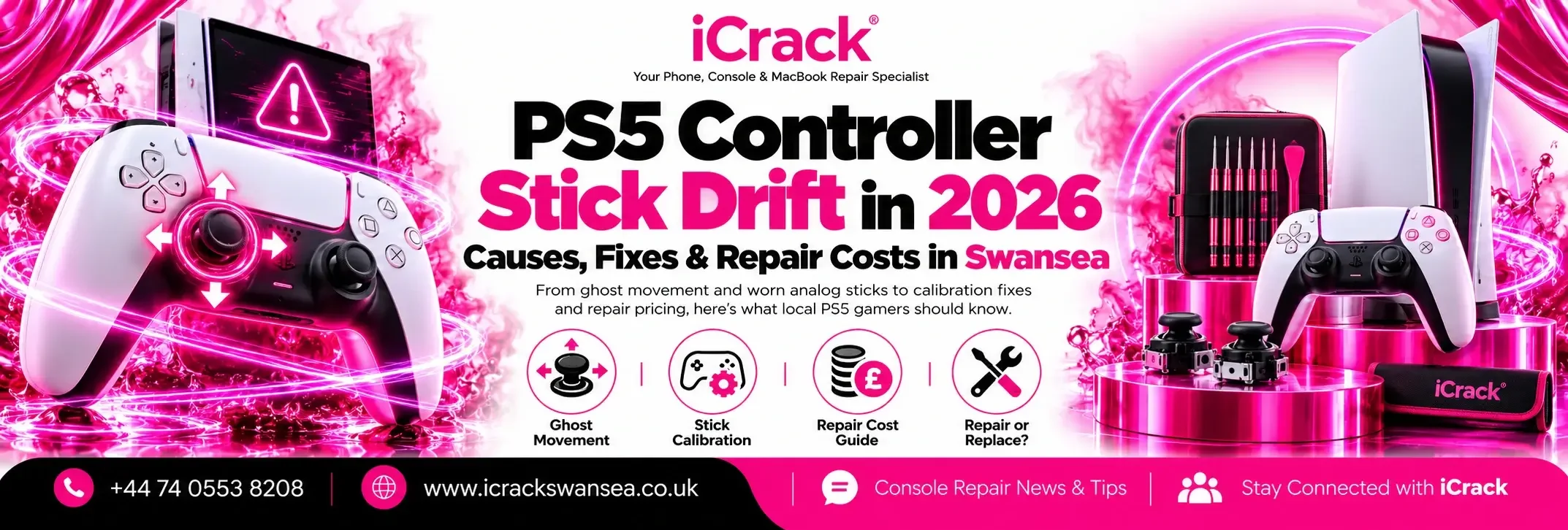
You’re lining up a shot, turning a corner or scrolling through the PlayStation menu when your character suddenly moves without you touching the stick. It’s frustrating, especially when the controller seemed fine yesterday.
That unwanted movement is usually called PS5 controller stick drift. It’s a common reason people look for PS5 controller repair in Swansea, but a drifting DualSense doesn’t always need replacing. A few simple checks can help you work out what’s wrong before spending money.
What Is PS5 Stick Drift?
Stick drift happens when a controller registers movement even though you’ve released the analogue stick. You might notice your character walking sideways, the camera slowly rotating or a menu selection moving by itself.
It can affect the left or right stick. Sometimes the movement is occasional; sometimes it makes a game almost impossible to play.
First, try a different game. If the same stick behaves strangely in several titles, the controller is more likely to be the source of the problem.
Why Does a DualSense Controller Start Drifting?
Inside a standard DualSense controller, each analogue stick uses small electronic components to measure movement. Over time, wear can affect how accurately those components detect the stick’s position.
Dust, grime, a knock or liquid damage can also interfere with normal operation. Occasionally, software or game sensitivity settings make the issue appear worse than it is.
That’s why a proper diagnosis matters. Replacing parts without checking the symptoms first could mean paying for a repair you didn’t need.
Five PS5 Stick Drift Fixes Worth Trying at Home
Before opening the controller, work through these safe steps.
1. Restart the PS5. Fully switch off the console, then start it again. Temporary connection or software problems can occasionally cause odd controller behaviour.
2. Update the controller software. On your PS5, visit Settings > Accessories > Controller (General) > DualSense Wireless Controller Device Software. Install any available update.
3. Reset the DualSense. Switch off the PS5. Find the small reset hole on the back of your controller and press its button with a pin for at least five seconds. Reconnect using a compatible USB data cable and press the PS button.
4. Clean around the sticks. With the controller switched off, gently wipe around the analogue stick bases using a clean, dry, soft brush or cloth. Avoid pushing tools inside or spraying liquids into the housing.
5. Check in-game deadzone settings. Some games let you increase the stick deadzone, which can hide very slight unwanted movement. This is only a workaround, not a repair for a worn component.
If the controller still drifts, repeated resets and cleaning probably won’t solve an internal hardware fault.
How Much Does PS5 Controller Repair Cost in the UK?
Published UK repair prices in 2026 vary, but basic DualSense stick-drift repairs are commonly advertised at around £20 to £55. The amount depends on whether one or both stick assemblies need attention, the replacement part selected and the repairer’s pricing.
Some workshops offer Hall effect or TMR stick upgrades. These use contactless sensing technology and can reduce the kind of wear associated with traditional sticks, although they still need correct fitting and calibration.
Treat these prices as general UK examples, not an iCrack Swansea quotation. Always ask for a diagnosis and the final cost before authorising a repair.
Should You Repair Your Controller or Buy Another?
If the buttons, triggers, battery and charging port work properly, repairing one drifting stick may offer better value than buying a replacement controller.
However, if the controller has multiple faults, severe liquid damage or a damaged circuit board, replacement might make more sense.
The standard DualSense also differs from the DualSense Edge. The Edge has replaceable stick modules, while a standard DualSense usually needs internal repair work. Check your model before buying any replacement parts.
Get PS5 Controller Repair in Swansea
If you’ve tried the basic fixes and your controller still has a mind of its own, iCrack Swansea can help diagnose the problem.
Our gaming console repair service covers PlayStation controllers, including stick drift, unresponsive buttons, charging faults and connection issues. Our technicians can inspect the controller and explain whether a repair is worthwhile.
You’ll find us at 20C Whitewalls, Swansea SA1 3AA. Call 07405 538208 to discuss the fault and request a repair quote before visiting.
Final Thoughts
A drifting PS5 controller can ruin a good gaming session, but buying a new one isn’t always necessary. Try software updates, a reset and gentle external cleaning first. If the problem continues across different games, professional testing can identify the next step.
For PS5 controller stick drift repair in Swansea, choosing a sensible fix could get you back to gaming without unnecessary expense.