You pick up your iPhone to reply to a message, but the screen suddenly stops responding. Maybe swipes feel delayed, apps freeze or the keyboard ignores your taps. If this started after installing iOS 27, you’re probably wondering whether the update has damaged your phone.
Before booking an iPhone screen repair in Swansea, there’s some good news: a frozen touchscreen doesn’t always mean broken hardware.
Why Are Some iPhones Freezing After iOS 27?
Apple’s iOS 27 introduced significant changes to the iPhone experience. But shortly after launch, some users reported sluggish performance and touchscreen issues.
Apple released iOS 27.0.1 on 28 September 2026. Its official notes confirm a fix for a bug that could leave the touchscreen unresponsive when Notification Centre and Control Centre were opened together.
This doesn’t explain every frozen screen, but it means checking your software should come before paying for a replacement.
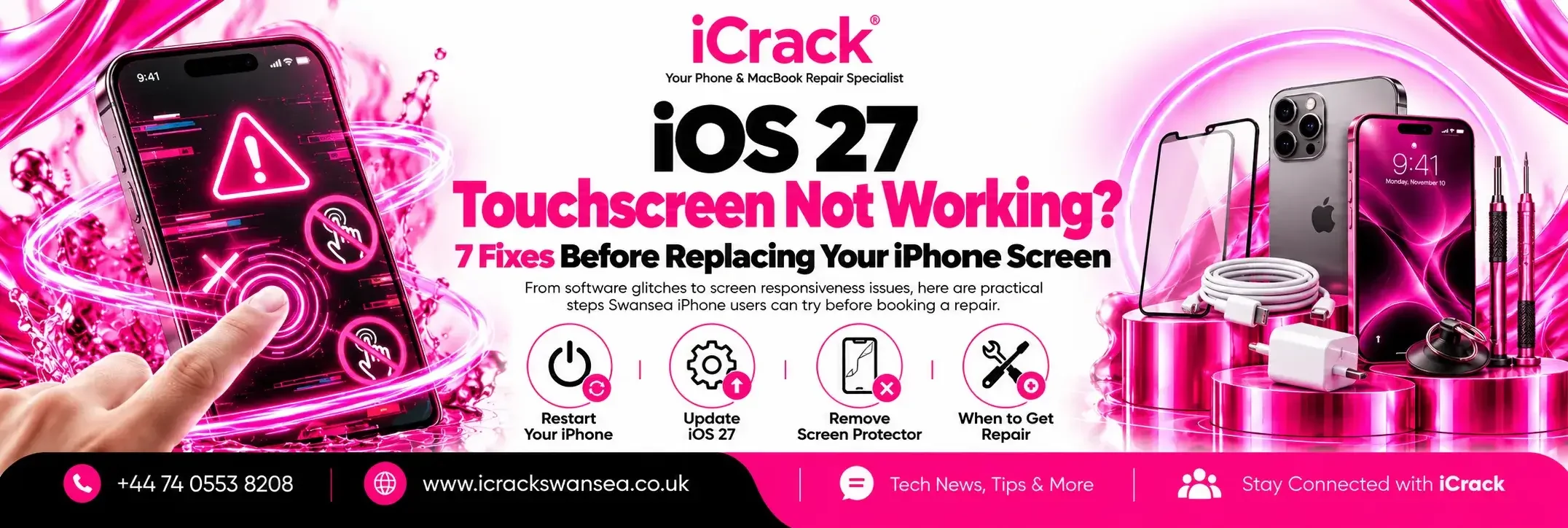
1. Check for an iOS Update
Open Settings, tap General, then Software Update. Install the latest stable update offered for your iPhone, following the on-screen instructions.
Back up important photos and files first, and use a reliable Wi-Fi connection. If you’re already running iOS 27.0.1, remember that other software or hardware problems may still cause similar symptoms.
2. Restart Your iPhone
A normal restart can clear a temporary software glitch. If the screen is completely frozen on a Face ID iPhone, quickly press and release Volume Up, do the same with Volume Down, then hold the Side button until the Apple logo appears.
This forced restart doesn’t normally erase your data. If your iPhone repeatedly freezes after restarting, make a note of when it happens.
3. Clean and Dry the Screen
It sounds obvious, but moisture, dirt and oily marks can interfere with touchscreen input. Wipe the display gently using a clean, soft cloth.
If the phone has recently been exposed to liquid, don’t continue charging it or try to dry it with heat. A professional inspection may be safer.
4. Remove the Screen Protector
A damaged, poorly fitted or lifting screen protector can make the display feel less responsive. Take it off carefully and test the phone again.
Also remove any case that’s pushing against the screen edges. If touch starts working normally, you may not need a screen repair at all.
5. Disconnect Charging Accessories
Does the touchscreen behave strangely only while charging? Unplug the cable and test it again.
Apple recommends disconnecting USB-C or Lightning accessories when investigating intermittent touch problems. If the issue disappears, try a different compatible cable, charger or socket. Avoid continuing to use damaged charging equipment.
6. Check Whether the Problem Happens Everywhere
Try typing a message, scrolling in Settings and opening another app. If just one app freezes, check for that app’s updates rather than assuming the entire display is faulty.
But if the same part of the screen never responds, or you see black patches, coloured lines or cracked glass, a hardware fault becomes more likely.
7. Get a Diagnosis Before Replacing the Display
If updates, restarting and basic checks make no difference, the next step is a proper diagnosis. A technician can assess whether the cause is software, a damaged display assembly or another internal component.
Avoid factory-resetting a phone with irreplaceable data before you have a backup. A reset may not resolve physical screen damage.
Need iPhone Screen Repair in Swansea?
At iCrack Swansea, we help customers with unresponsive displays, cracked screens and other common iPhone faults. Our team can inspect the device, explain the findings and discuss suitable repair options before any work begins.
Visit us at 20C Whitewalls, Swansea SA1 3AA, or request a quote through our website.
If you’re searching for iPhone screen repair Swansea, let us check the problem first. Sometimes a simple fix is enough; when a replacement is needed, knowing why makes the decision easier.