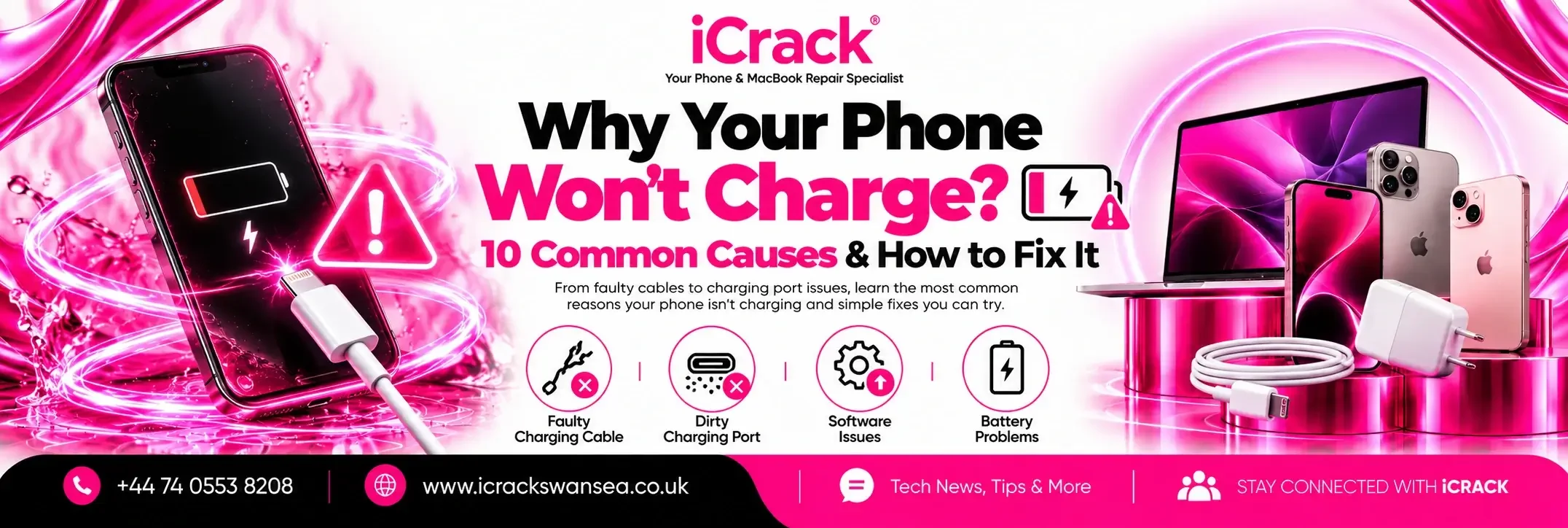
There’s nothing more frustrating than plugging in your phone and seeing nothing happen. Whether you own an iPhone, Samsung Galaxy, Google Pixel or another Android device, charging problems are among the most common reasons people visit a repair shop.
The good news is that not every charging issue means your phone needs replacing. Sometimes the fix is simple, while other cases require professional repair.
If you’re in Swansea and your phone refuses to charge, here are the most common reasons why.
1. Dirt Inside the Charging Port
Pocket lint, dust and debris slowly collect inside charging ports.
Even a small amount of dirt can stop the charging cable from making proper contact.
Avoid using sharp metal objects to clean the port, as they can damage the internal pins.
2. A Damaged Charging Cable
Before assuming your phone is faulty, try another charging cable.
Bent connectors, frayed wires or cheap cables often cause intermittent charging problems.
Using certified, high-quality charging accessories can improve both charging speed and battery health.
3. Faulty Power Adapter
Sometimes the charger itself is the problem.
A damaged wall adapter may deliver inconsistent power or stop working completely.
Testing with another charger is one of the quickest ways to rule this out.
4. Charging Port Damage
Charging ports wear out after years of daily use.
Common signs include:
- Cable feels loose
- Phone only charges at certain angles
- Charging keeps disconnecting
- Slow charging
Professional charging port replacement can often restore normal charging performance. iCrack Swansea provides charging port repairs for iPhone, Samsung and other smartphones.
5. Battery Wear
Lithium-ion batteries naturally lose capacity over time.
If your phone charges slowly, drains quickly or shuts down unexpectedly, the battery may have reached the end of its lifespan.
Battery replacement is often much cheaper than buying a new phone.
6. Software Glitches
Occasionally, software bugs interrupt charging.
Restarting the device or installing the latest system update can resolve temporary issues.
7. Moisture Detection
Many modern smartphones automatically disable charging when moisture is detected inside the charging port.
If this warning appears:
- Disconnect the charger.
- Allow the phone to dry naturally.
- Never use excessive heat such as a hair dryer.
8. Wireless Charging Problems
If wireless charging has stopped working:
- Remove thick phone cases.
- Check charger alignment.
- Test another wireless charging pad.
Not every issue is caused by the phone itself.
9. Physical Impact
A drop can damage the charging connector even when no external damage is visible.
If your phone stopped charging immediately after being dropped, internal inspection is recommended.
10. Internal Hardware Fault
If none of the above solves the problem, the issue may involve the charging circuit, motherboard or another internal component.
Professional diagnostics help identify the exact cause before unnecessary parts are replaced.
When Should You Visit a Repair Shop?
Seek professional help if:
- Your phone won’t charge at all.
- Charging repeatedly disconnects.
- The charging port feels loose.
- The phone overheats while charging.
- You notice corrosion or liquid damage.
- The battery drains unusually fast after charging.
Early diagnosis often prevents more expensive repairs later.
Professional Phone Charging Port Repair in Swansea
At iCrack Swansea, we repair charging issues on iPhones, Samsung devices and many other Android phones.
Our technicians inspect the charging port, battery and internal components to identify the real cause of the problem. We also repair iPads, MacBooks, laptops and gaming consoles, using quality replacement parts and thoroughly testing every device before it is returned.
Final Thoughts
Charging problems don’t always mean your phone has reached the end of its life. A worn cable, blocked charging port or ageing battery can often be repaired quickly and cost-effectively.
If your phone isn’t charging properly, getting it checked early can save both time and money. Whether the issue is a damaged charging port, faulty battery or internal hardware fault, a professional diagnosis is the safest way to restore your device.