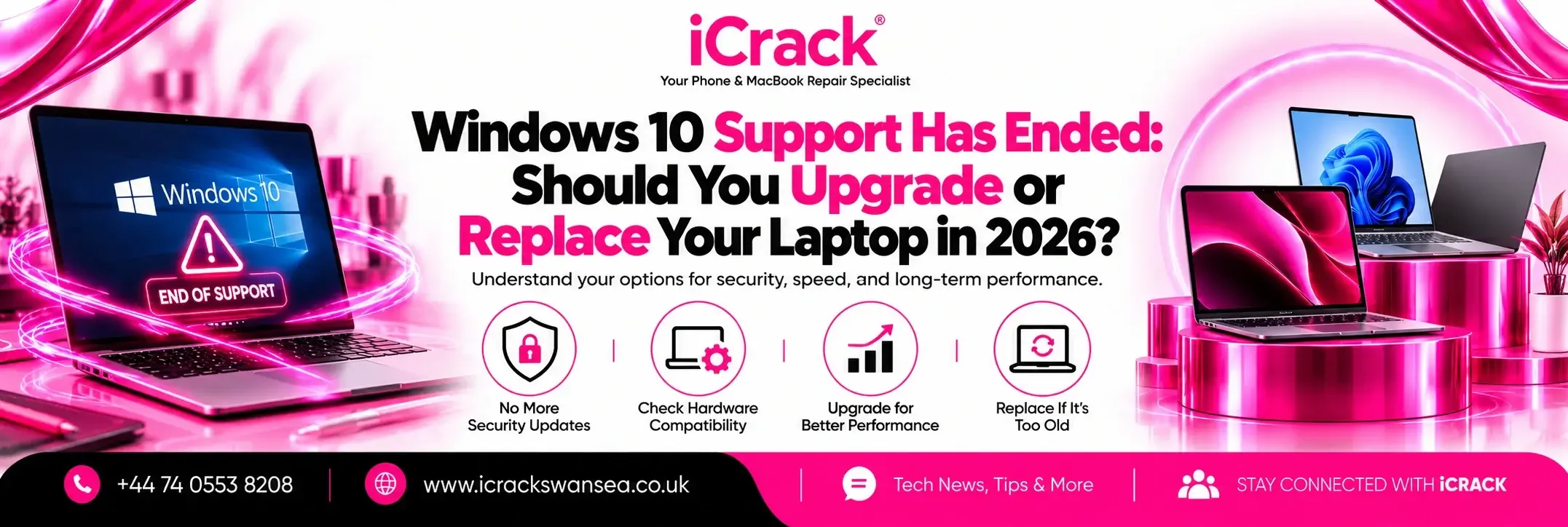
If you’re still using a laptop running Windows 10, you might be wondering whether it’s time to upgrade or buy a new device. With Microsoft ending standard support for Windows 10, many computer users across Swansea are facing the same question.
The good news? Your laptop isn’t suddenly useless. Depending on its condition and specifications, you may have several affordable options before spending hundreds of pounds on a replacement.
Let’s look at what Windows 10’s end of support means and what you should consider doing next.
Has Windows 10 Officially Reached End of Support?
Yes. Microsoft officially ended standard support for Windows 10 on 14 October 2025.
This means Windows 10 no longer receives its usual security updates, feature improvements or technical assistance. However, Microsoft offers an Extended Security Updates (ESU) programe for eligible devices, providing additional protection until October 2027.
Your computer will still turn on and run familiar applications, but using an unsupported system without extended security updates could increase security risks.
For students, small businesses and everyday laptop users in Swansea, understanding these changes is important before making any decisions.
Can Your Existing Laptop Run Windows 11?
Before purchasing another laptop, check whether your current device supports Windows 11.
Microsoft has specific hardware requirements, including:
- A compatible 64-bit processor.
- At least 4GB of RAM.
- A minimum of 64GB storage.
- TPM 2.0 security support.
- UEFI firmware with Secure Boot capability.
You can use Microsoft’s PC Health Check application to determine whether your laptop meets the requirements.
If your device is compatible, upgrading to Windows 11 could be a straightforward way to continue using it without purchasing new hardware.
However, if your laptop already struggles with basic tasks, upgrading the operating system alone might not solve its performance problems.
Why Does Your Laptop Feel Slower Than Before?
Many people assume their laptop is outdated simply because it takes longer to start or open applications.
In reality, several common issues can affect performance.
1. An Old Hard Drive
Traditional hard drives are significantly slower than modern SSDs. Replacing an ageing hard drive with an SSD can noticeably improve startup times, file access and everyday responsiveness.
2. Insufficient RAM
Running multiple browser tabs, video meetings and office applications can consume substantial memory.
Where supported, increasing your laptop’s RAM may improve multitasking performance.
3. Dust and Overheating
Dust inside cooling fans can restrict airflow, causing laptops to overheat and reduce their performance.
Professional cleaning and cooling-system maintenance can sometimes help restore normal operation.
If you’re experiencing these problems, having your device assessed through a laptop repair service in Swansea may help you understand whether an affordable repair could improve its performance.
Should You Repair or Replace Your Laptop in 2026?
There’s no single answer because every laptop is different.
If your device is relatively modern, physically intact and meets your everyday needs, repairing or upgrading individual components might be more economical than replacing the entire machine.
For example, a laptop with a failing battery or slow storage drive may still have several years of useful life remaining.
On the other hand, replacement may be more sensible if your laptop has extensive motherboard damage, cannot support the software you need or requires several expensive repairs.
Before deciding, compare the estimated repair cost against the price and expected lifespan of a suitable replacement.
What About MacBook Users?
Although Microsoft’s Windows 10 changes primarily affect Windows computers, MacBook owners should also pay attention to software compatibility and operating-system updates.
Older MacBooks may eventually stop supporting newer macOS releases or certain applications.
However, issues such as poor battery life, charging faults and slow storage don’t automatically mean a MacBook needs replacing.
A proper diagnosis can help distinguish software limitations from hardware faults.
Why Swansea Students Should Pay Attention
With universities, colleges and businesses relying heavily on computers, a dependable laptop is essential for studying and working.
Whether you’re attending Swansea University, studying at University of Wales Trinity Saint David or working remotely, unexpected laptop problems can interrupt your routine.
Regular backups, updated software and timely hardware maintenance can help reduce disruption.
If your laptop starts behaving unusually, addressing the problem early may prevent further complications.
Get Your Laptop Checked at iCrack Swansea
Not sure whether your laptop is worth repairing?
At iCrack Swansea, we help customers with laptop and MacBook problems, including battery issues, charging faults, overheating and performance concerns.
Visit us at 20C Whitewalls, Swansea, SA1 3AA, to discuss your device and explore suitable repair options.
Before spending money on a replacement, it’s worth finding out whether your current laptop can be given a new lease of life.
Sometimes, the smartest upgrade isn’t buying a new laptop. It’s making better use of the one you already own.